
AIOBilling Client Area
Client Area
The account your clients get: they pay invoices, manage services and domains, open tickets and find answers by themselves, under your own logo and colours.
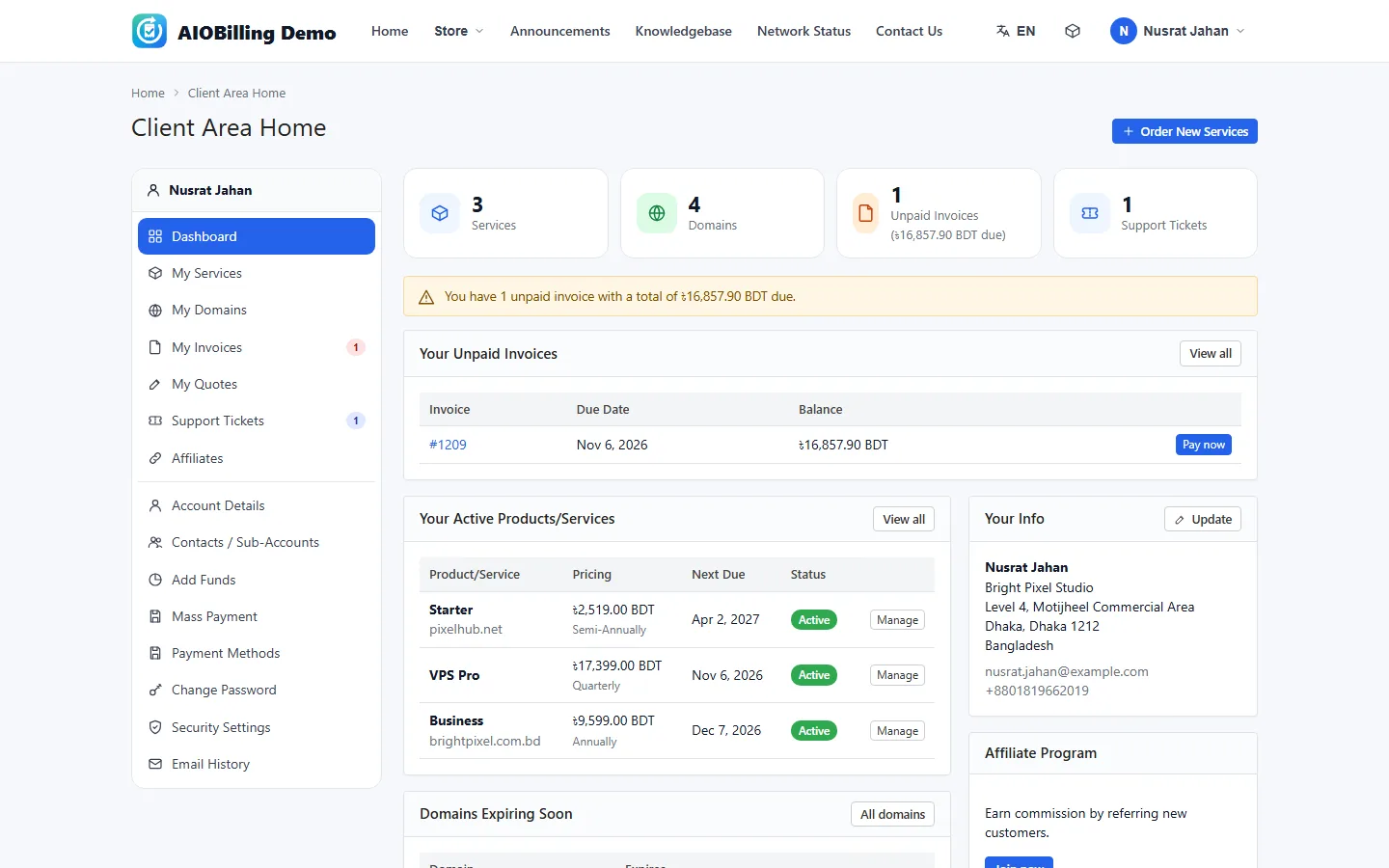
Dashboard and account
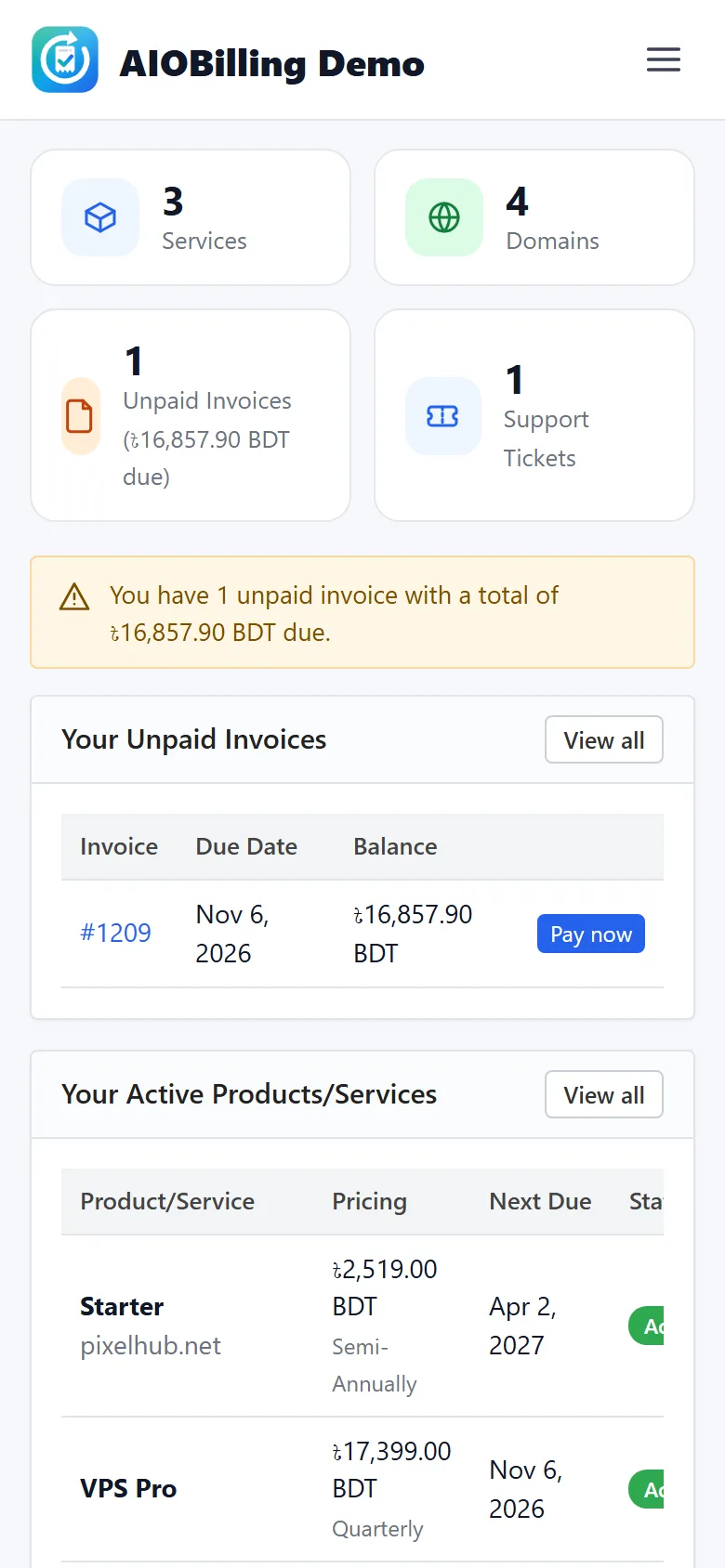
- Tiles for services, domains, unpaid invoices and tickets
- Unpaid invoices with a Pay now button
- Domains that expire soon, with Renew
- Account details, preferences and e-mail history
Services
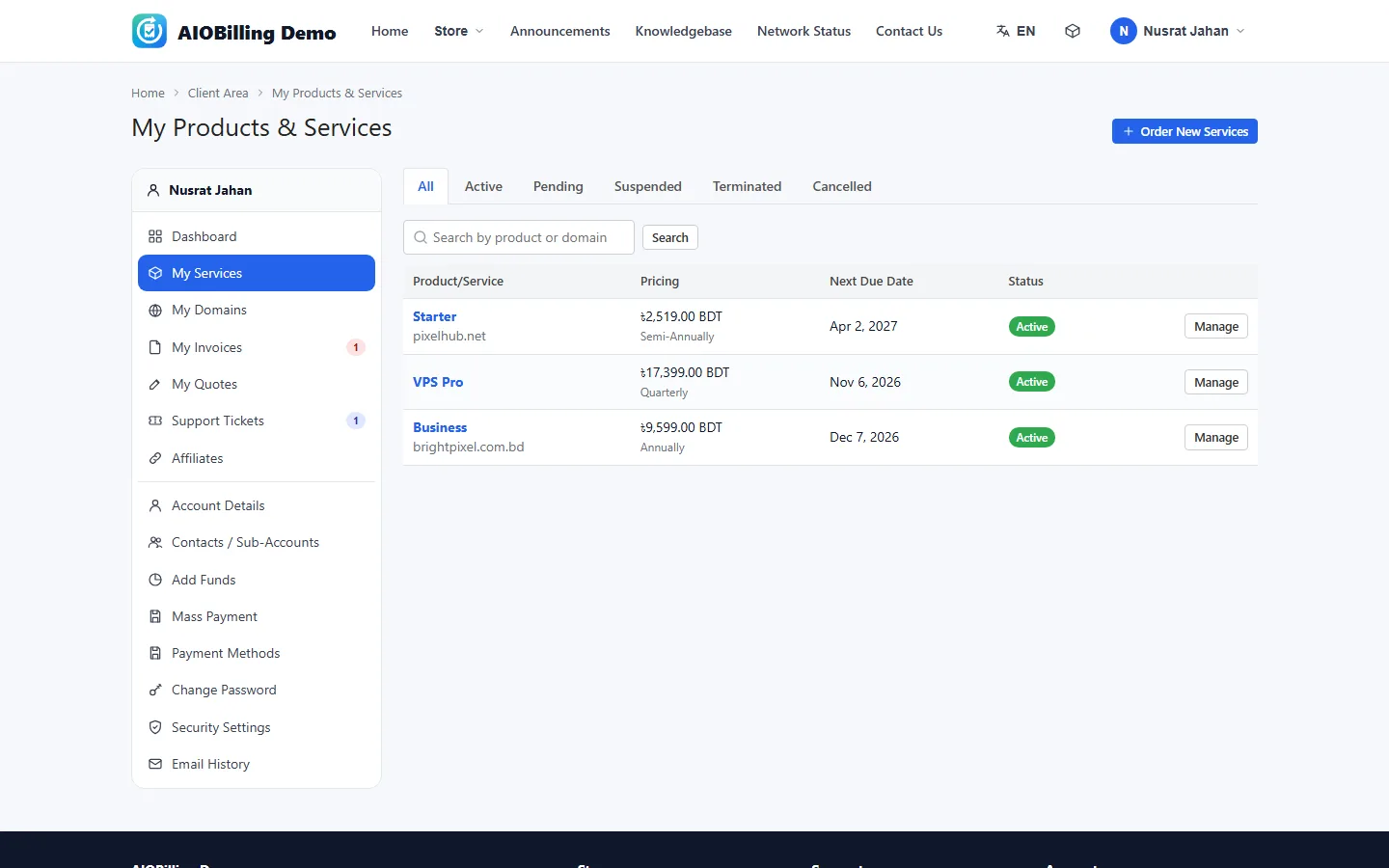
- Status tabs, search and a Manage button for each service
- Login to the hosting account in one click, with disk and bandwidth bars
- Change the account password
- Upgrade or downgrade with the prorated amount
- Change the billing cycle or request cancellation
Domains
- Register or transfer a domain
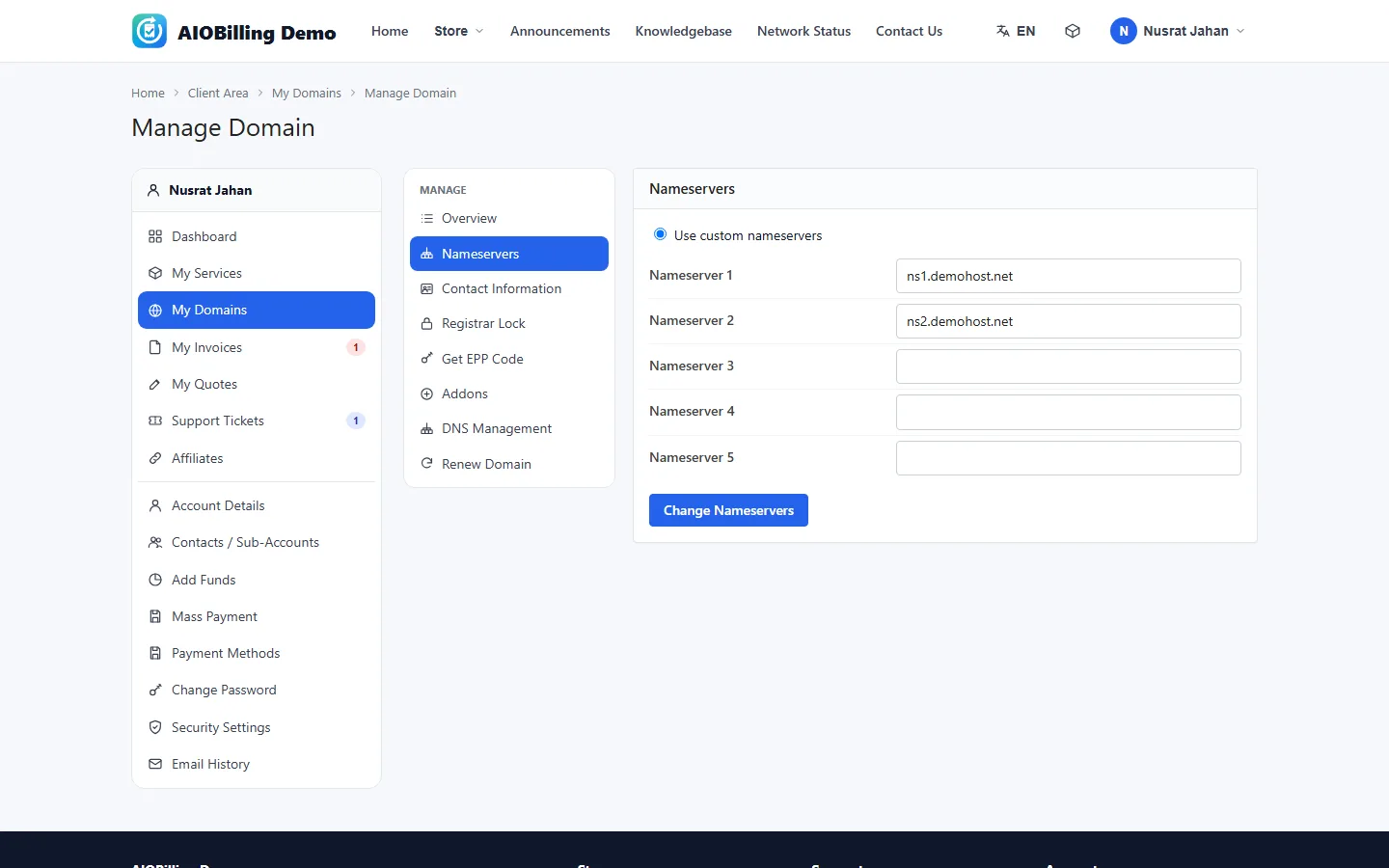
- Nameservers and contact information
- Registrar lock and the EPP code
- DNS management, ID protection and e-mail forwarding
- Renew now, or put the renewal in the cart
Invoices and payments
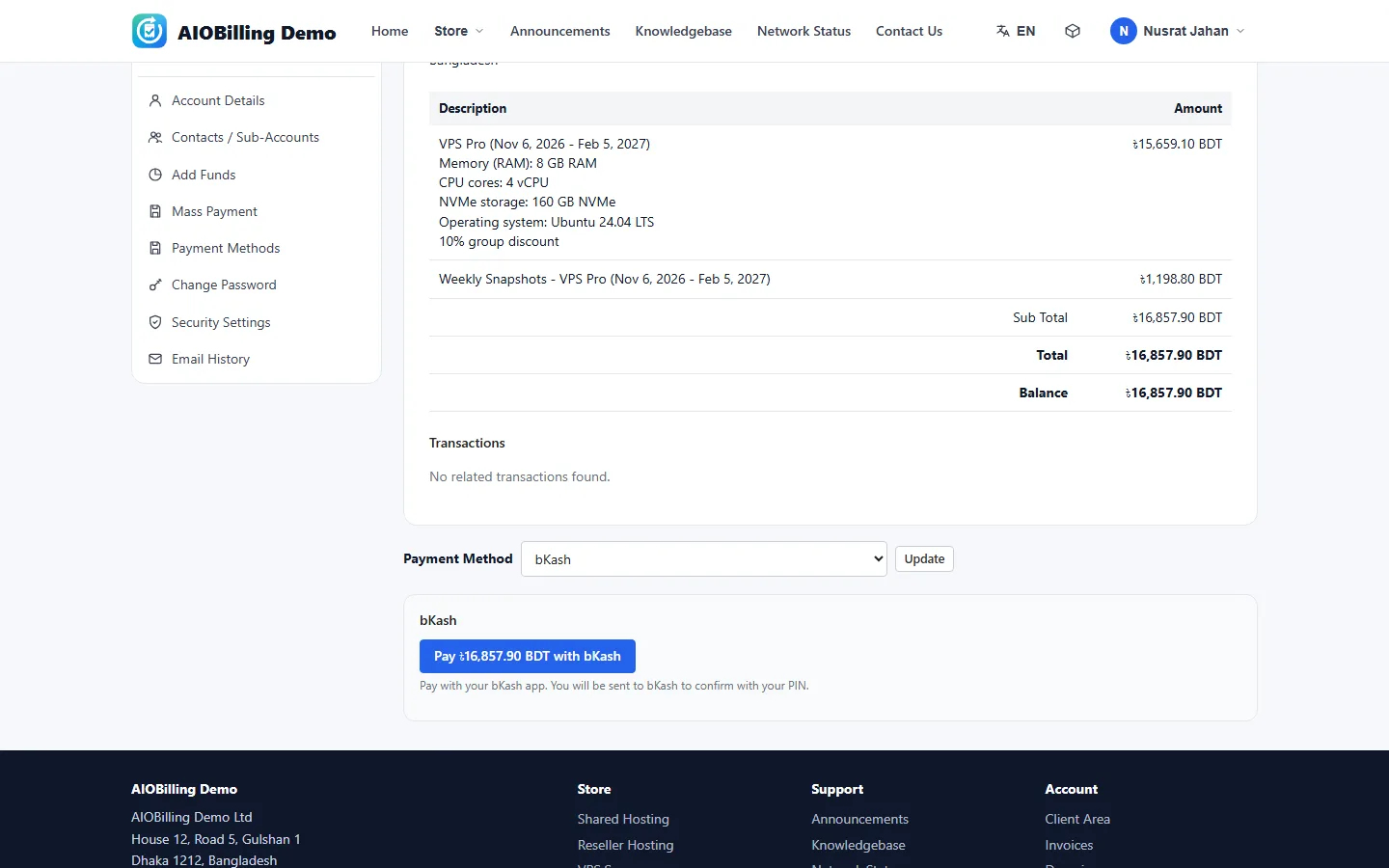
- Invoice lists by status, with PDF and print
- Pay with the gateway shown on the invoice
- A pay link in every e-mail that works without signing in
- Mass payment, account credit and add funds
- Quotes the client can accept or decline
Support and help
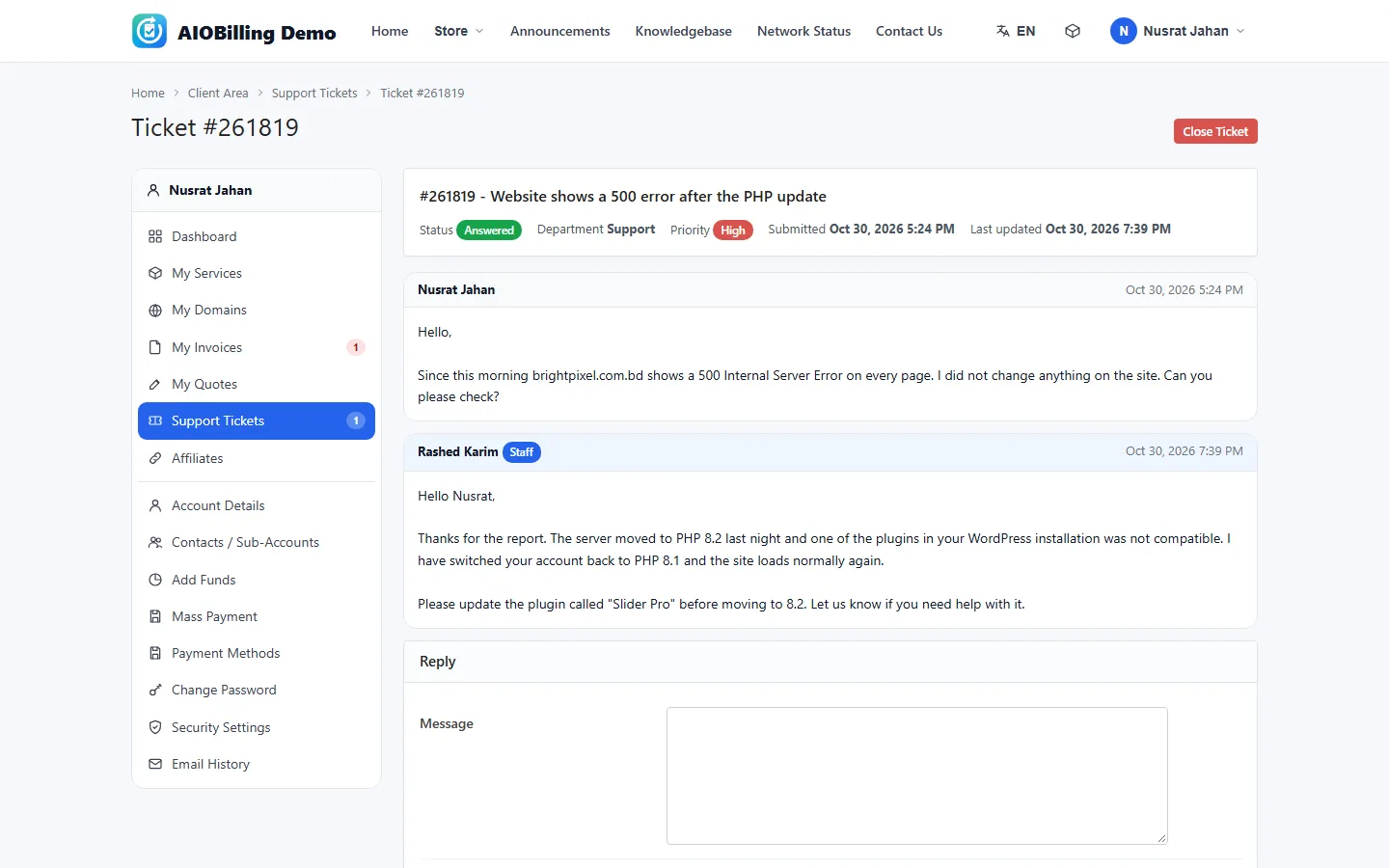
- Open tickets with a department, related service, priority and attachments
- Rate the answer from one to five stars
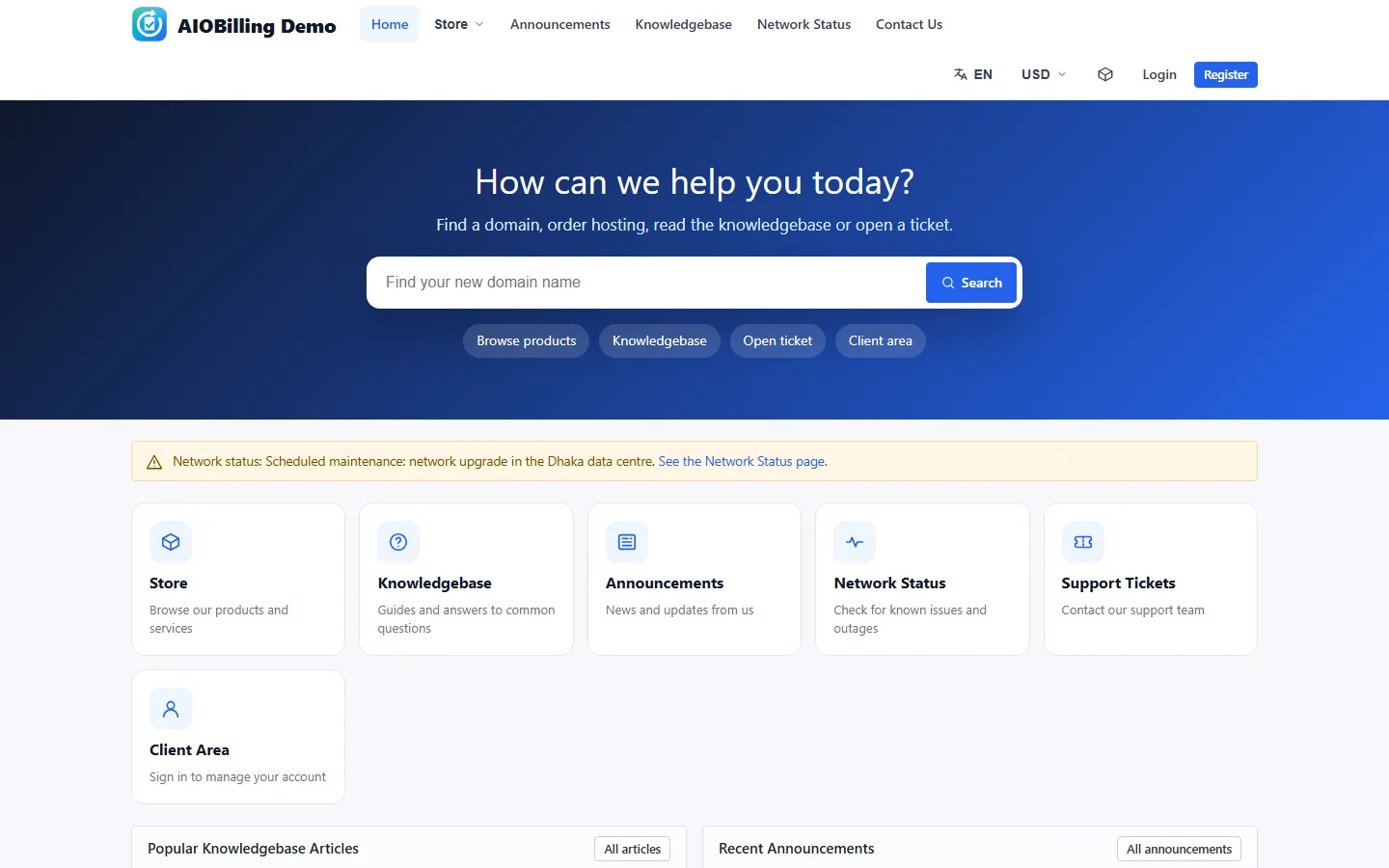
- Knowledgebase with search and popular articles
- Announcements with RSS, network status and downloads
Security and team
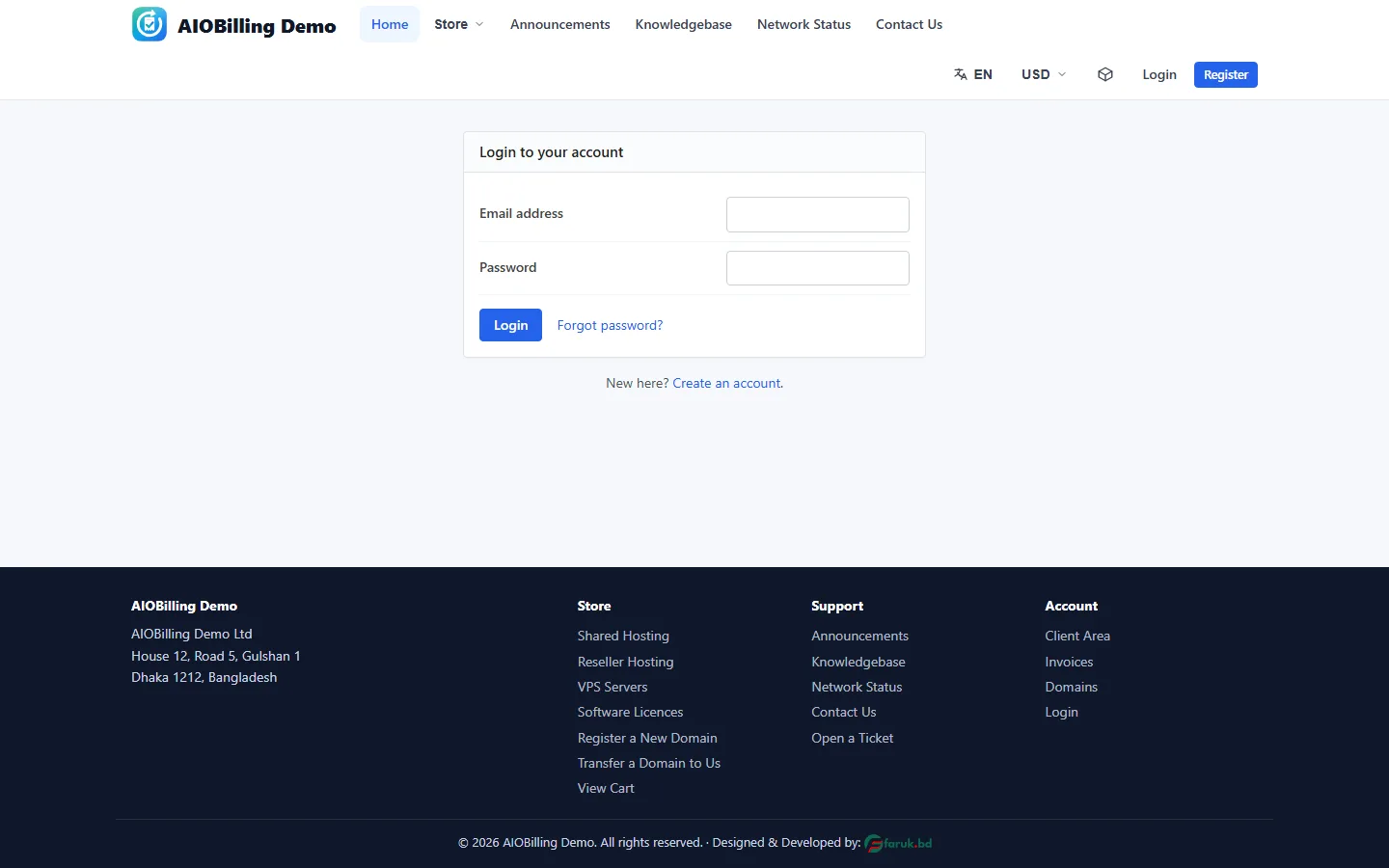
- Two-factor sign-in with an authenticator app
- Active sessions with sign out
- Contacts and sub-accounts with their own permissions
- An affiliate programme with a referral link and withdrawals
The other parts
Admin Area
Everything you and your staff do all day, one click from the top menu: clients, orders, invoices, support, reports and every setting.
Learn moreStore & Order Forms
Where visitors become clients: product groups in three order-form looks, configurable options, a domain search and a checkout that creates the account in the same step.
Learn moreAutomation
One cron job every five minutes does what you would otherwise do by hand: renewal invoices, reminders, late fees, suspensions, domains and tickets.
Learn more